 Hotspot Meter
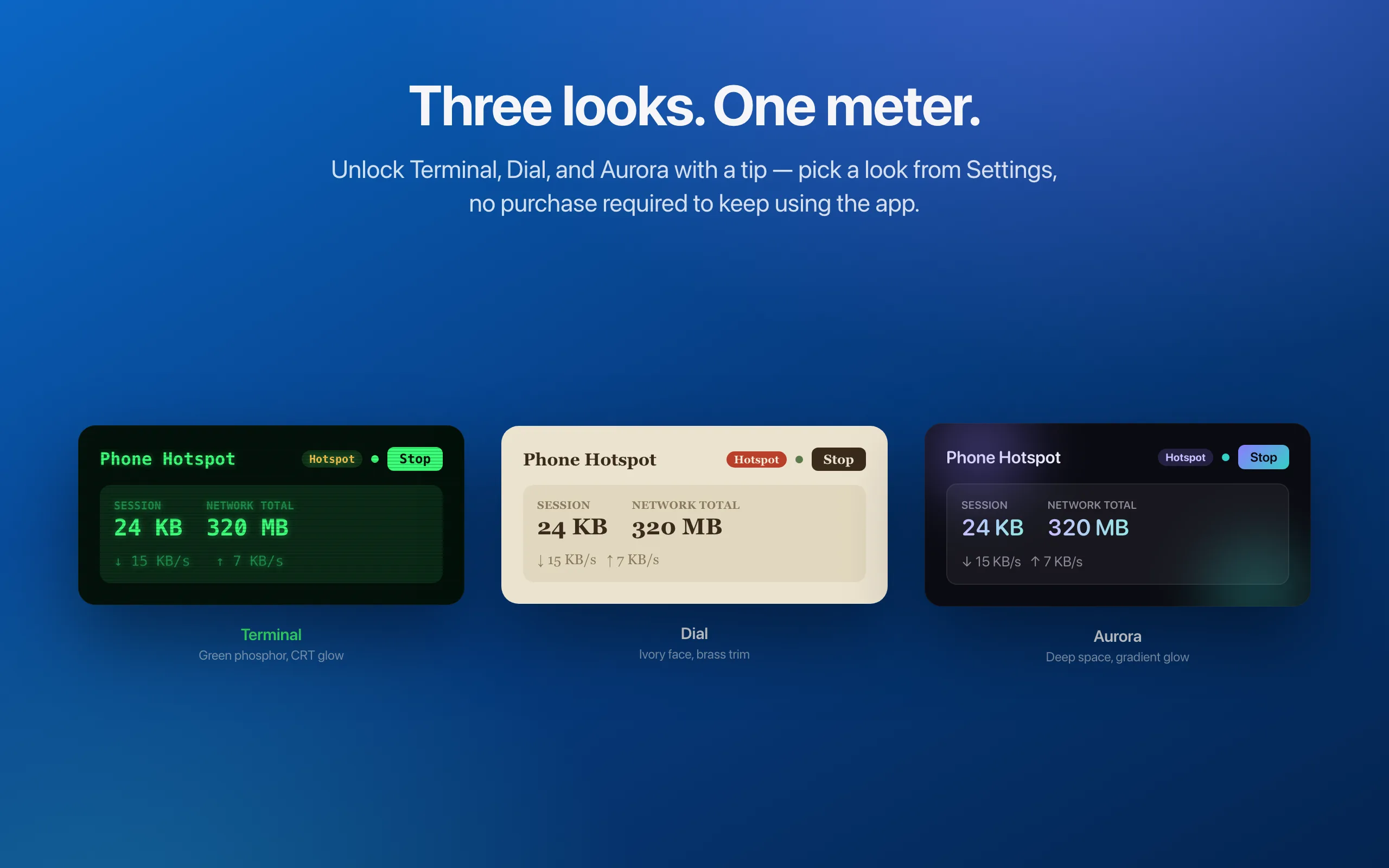
Three new ways to make it yours
Terminal’s green CRT glow. Dial’s ivory instrument face. Aurora’s violet and cyan. Preview them in Settings; leave a tip to unlock all three. Tracking stays free.
See the app themesHotspot Meter for Mac
Keep an eye on your data, right from the menu bar. Live speeds, network totals, and usage alerts — now with a look to make your own.
Free to use · macOS 14+ · Optional tips unlock themes
Try a theme. The whole site wears it.
Default — classic macOS, framed in Hotspot blue. Adapts to light and dark.
Illustrative preview · sample data
The latest in Hotspot Meter 1.2.
Terminal’s green CRT glow. Dial’s ivory instrument face. Aurora’s violet and cyan. Preview them in Settings; leave a tip to unlock all three. Tracking stays free.
See the app themesAutomatically start tracking a network you haven’t monitored before. Turn it on in Settings, independently of hotspot auto-tracking.
Reset a usage counter and keep the network, or use Reset & Remove to clear it from your list. For one network or all of them at once.
Hotspot Meter is a free macOS menu-bar app that tracks Wi-Fi and hotspot data usage in real time. Built for anyone on a metered connection — phone hotspots, hotel and café Wi-Fi, travel routers, or any link where every megabyte counts.
Features
Live usage, useful history, and limits you control — one click away in the menu bar.
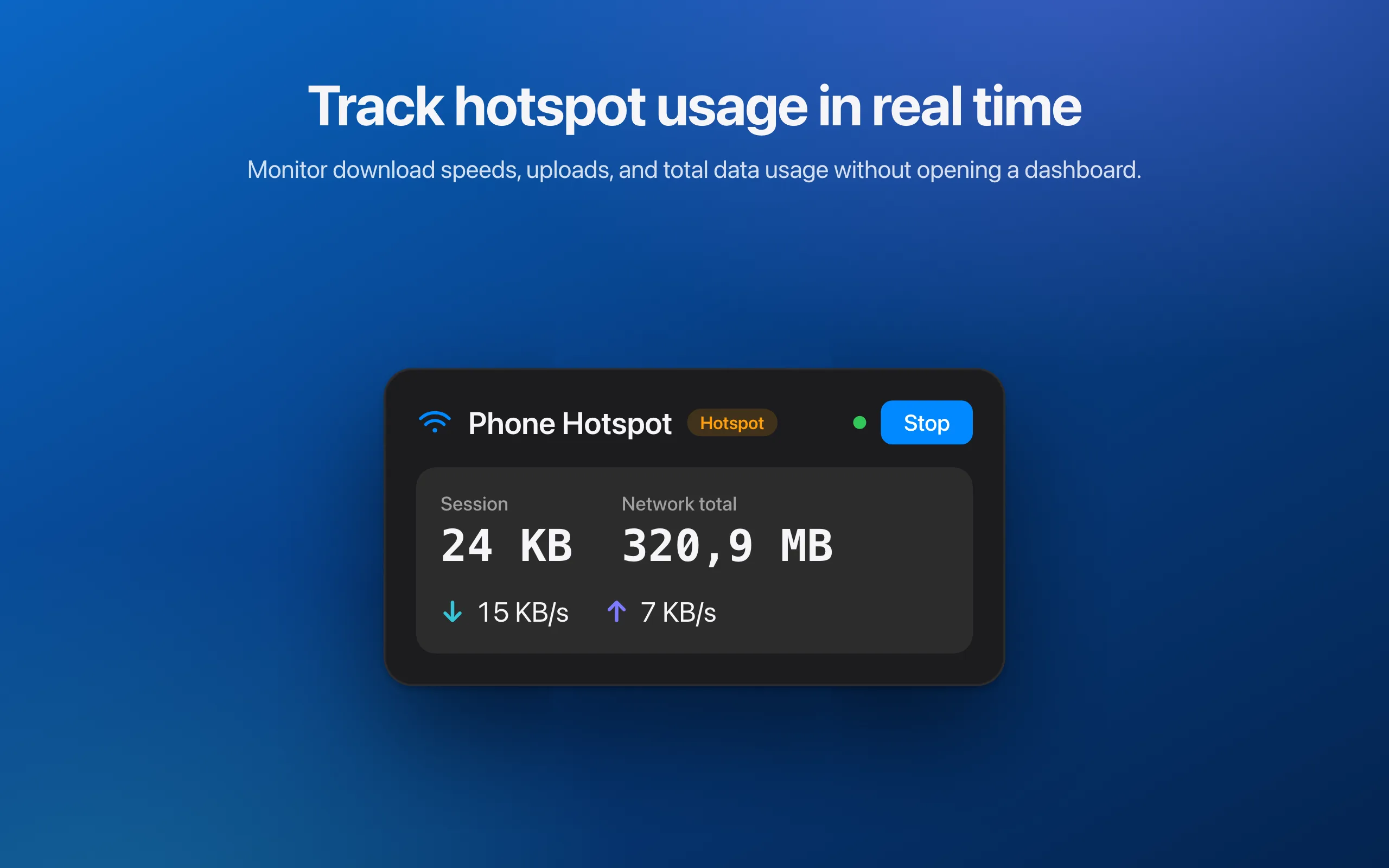
Real-time download and upload rates, right in the menu bar.
Usage for the current session and the running total for each network, at a glance.
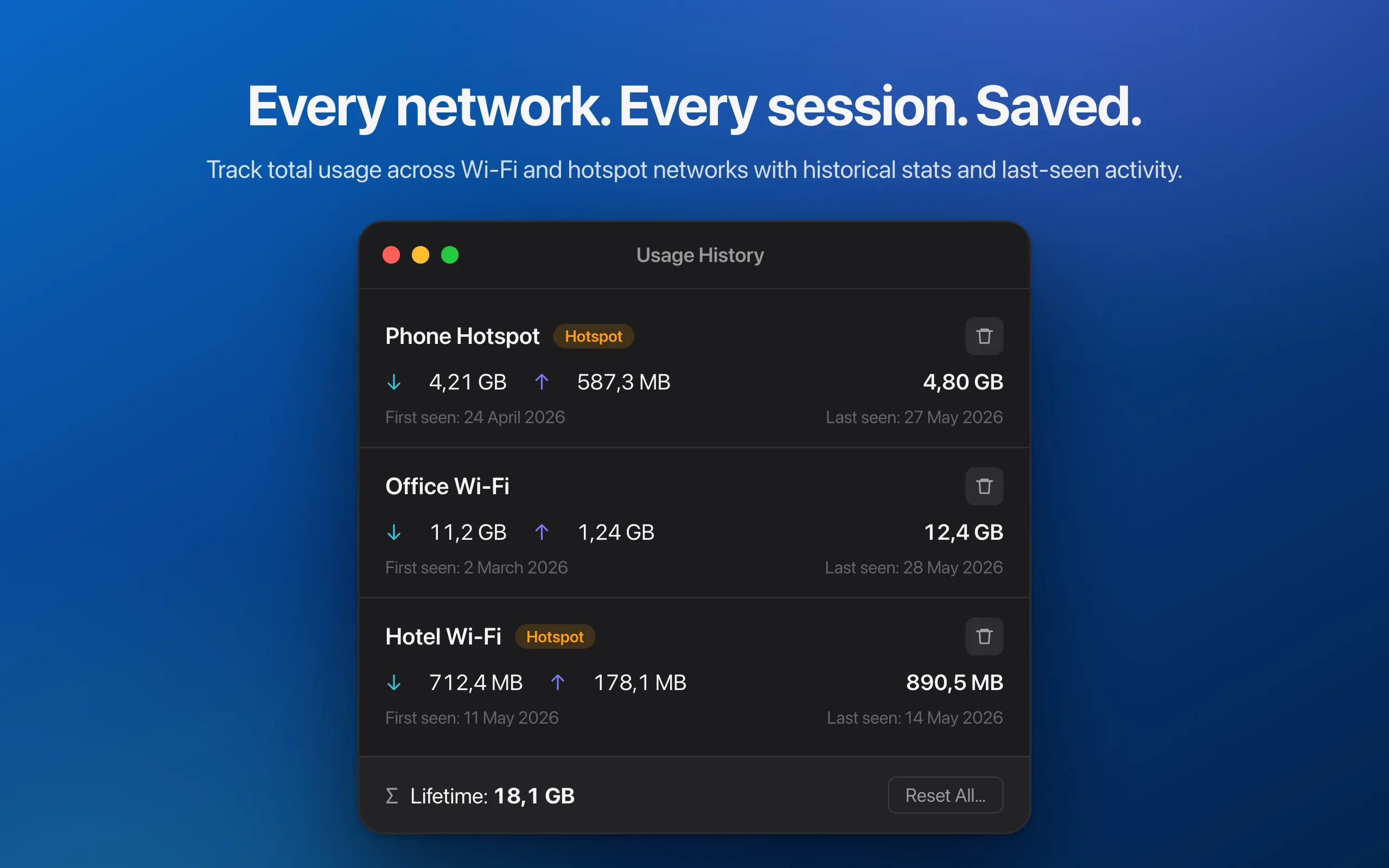
Every network, with cumulative usage and first/last-seen dates. Reset the totals or remove the network when you need a fresh start.
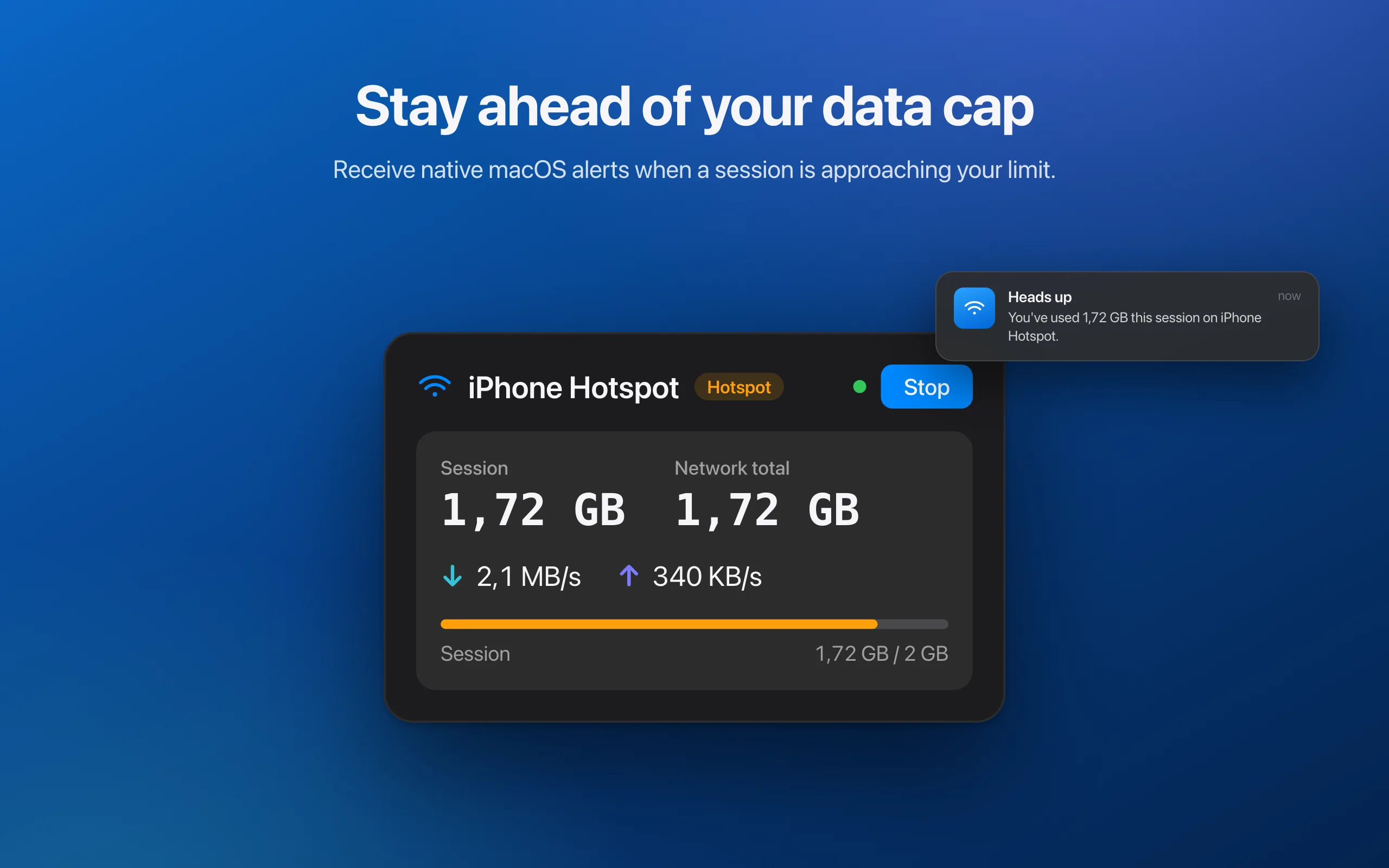
Set a session limit from 100 MB to 10 GB, or a separate network cap in GB. Get notified when usage crosses your limit.
Start automatically on hotspots, tethered connections, or networks you haven’t tracked before. Each option has its own toggle.
Show an icon, session total, network total, or both totals. Hide the icon when you just want the numbers.
Always ready, no setup.
Screenshots
Private by design
Read the privacy policy →Hotspot Meter runs entirely on your Mac. Nothing is collected, stored remotely, or transmitted. Location access is requested for one reason only: macOS requires it to read the current Wi-Fi network name, so usage can be grouped per network. No location is ever stored or shared — and the app still works without it.
FAQ
A free macOS menu-bar app that tracks Wi-Fi and hotspot data usage in real time.
All tracking features are free. An optional tip unlocks Terminal, Dial, and Aurora themes; Default is included.
macOS 14 Sonoma and later.
No. Everything runs and is stored on-device; nothing is transmitted.
macOS only exposes the current Wi-Fi network name (SSID) to apps with Location permission. It's used solely to label usage per network; no location is stored or shared, and the app works without it.
Set a session limit from 100 MB to 10 GB, or a cumulative network cap in GB. A native macOS notification appears when the chosen limit is crossed. Reset network usage in History when your billing cycle starts again.
It measures data over your Mac's active network interface, including a connected iPhone hotspot or tethered connection.